Uninstalling EndpointLock from your computer follows the typical process for uninstalling a program.
- Click the start menu button in the bottom left of your screen and open the start menu.
- Then scroll down to “EndpointLock”.
- Click “EndpointLock”
- Click “Uninstall EndpointLock”
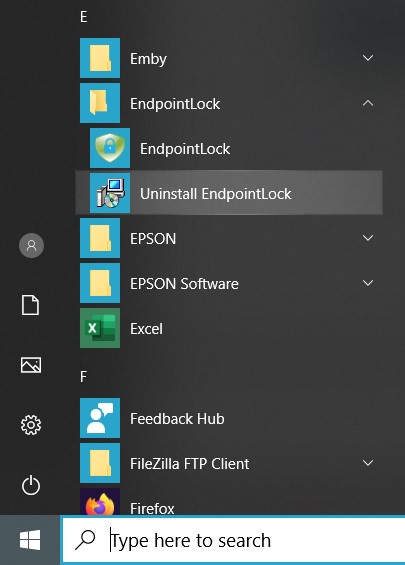
- Click “Yes” to continue the uninstallation.
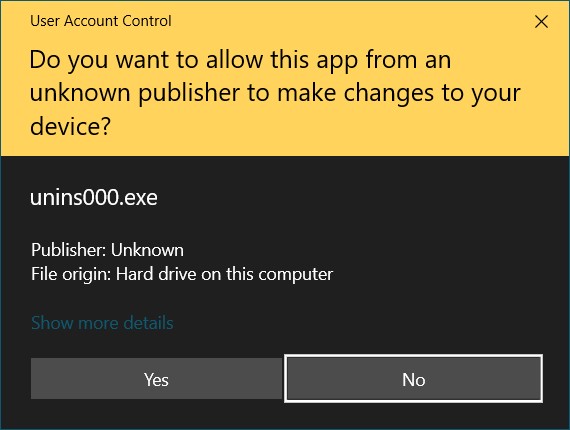
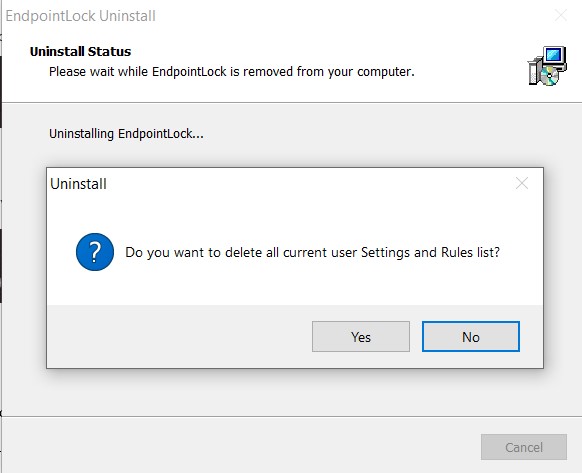
- Click “Yes”
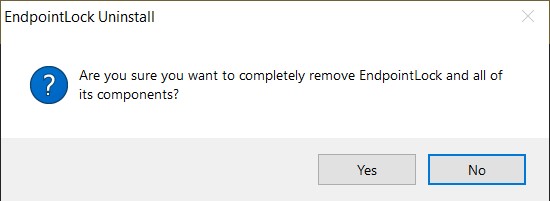
- Click “Yes”
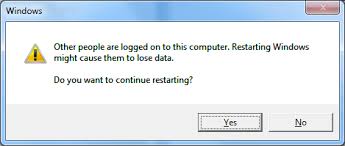
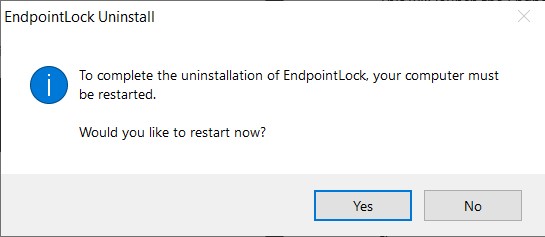
- Click “Yes” to restart your machine and complete the uninstallation.
Note:
Similar to when restarting after installation, if another user is currently logged into your computer then you should first log out of those users’ accounts before restarting.