- On your mobile device use the following link: EndpointLock on the Play Store
or search “EndpointLock” in the Google Play Store. - Tap the “Install” button:
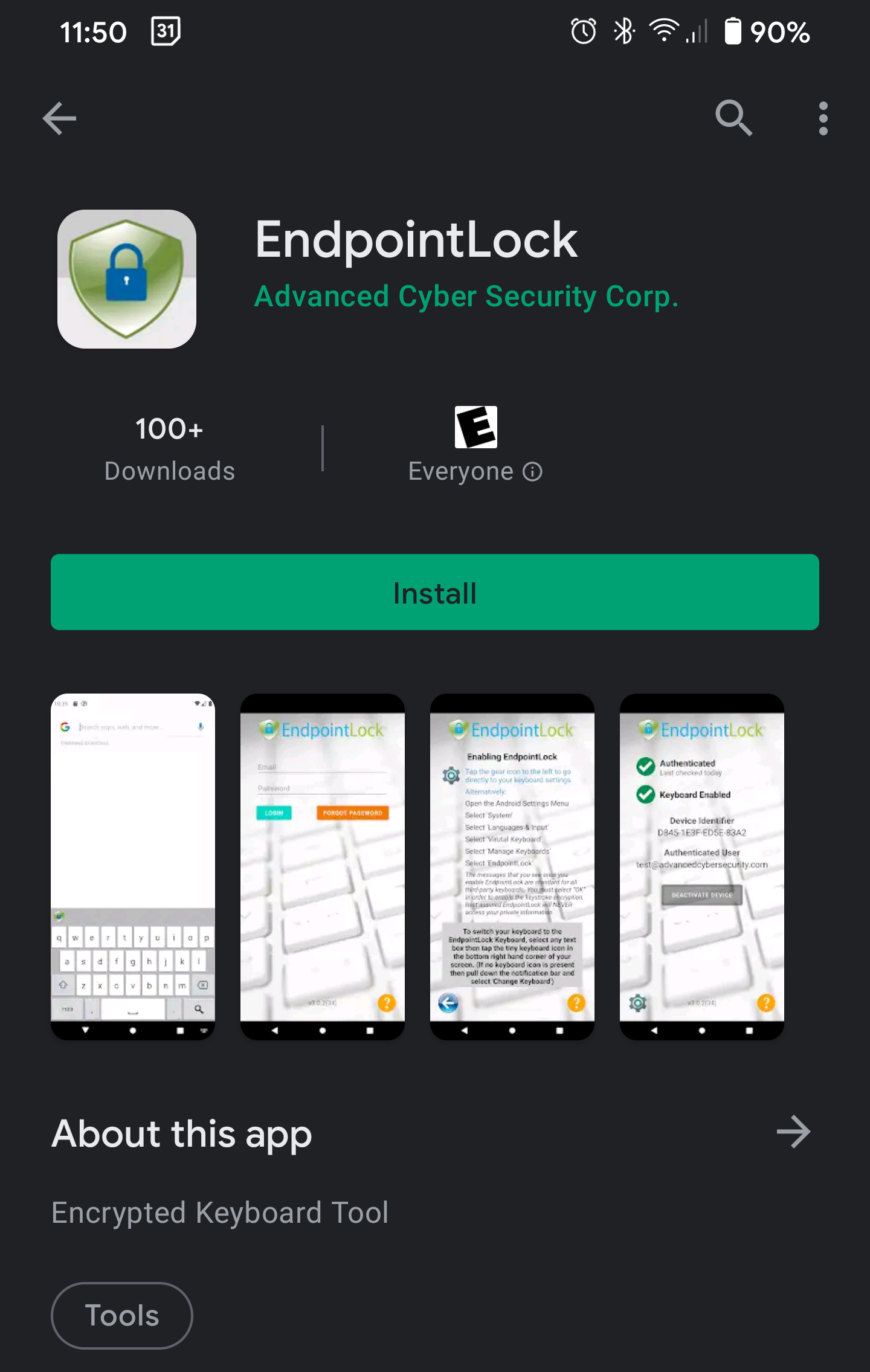
- Once the app has finished installing click the “Open” button.
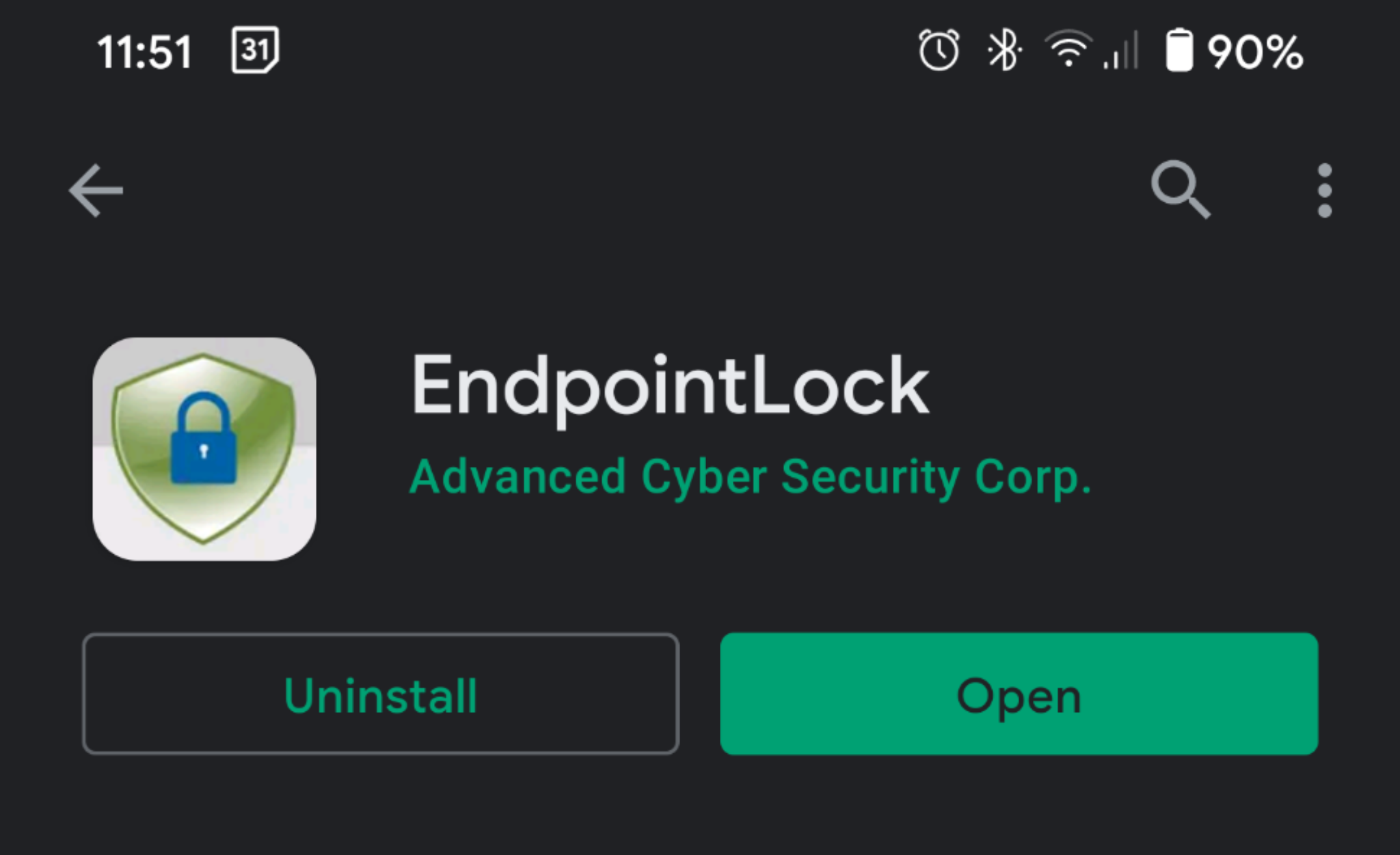
- You can now continue onto Activating the EndpointLock Keyboard (Android)
Downloading the EndpointLock App (Android)
- 1 minute(s) read
Was this article helpful?